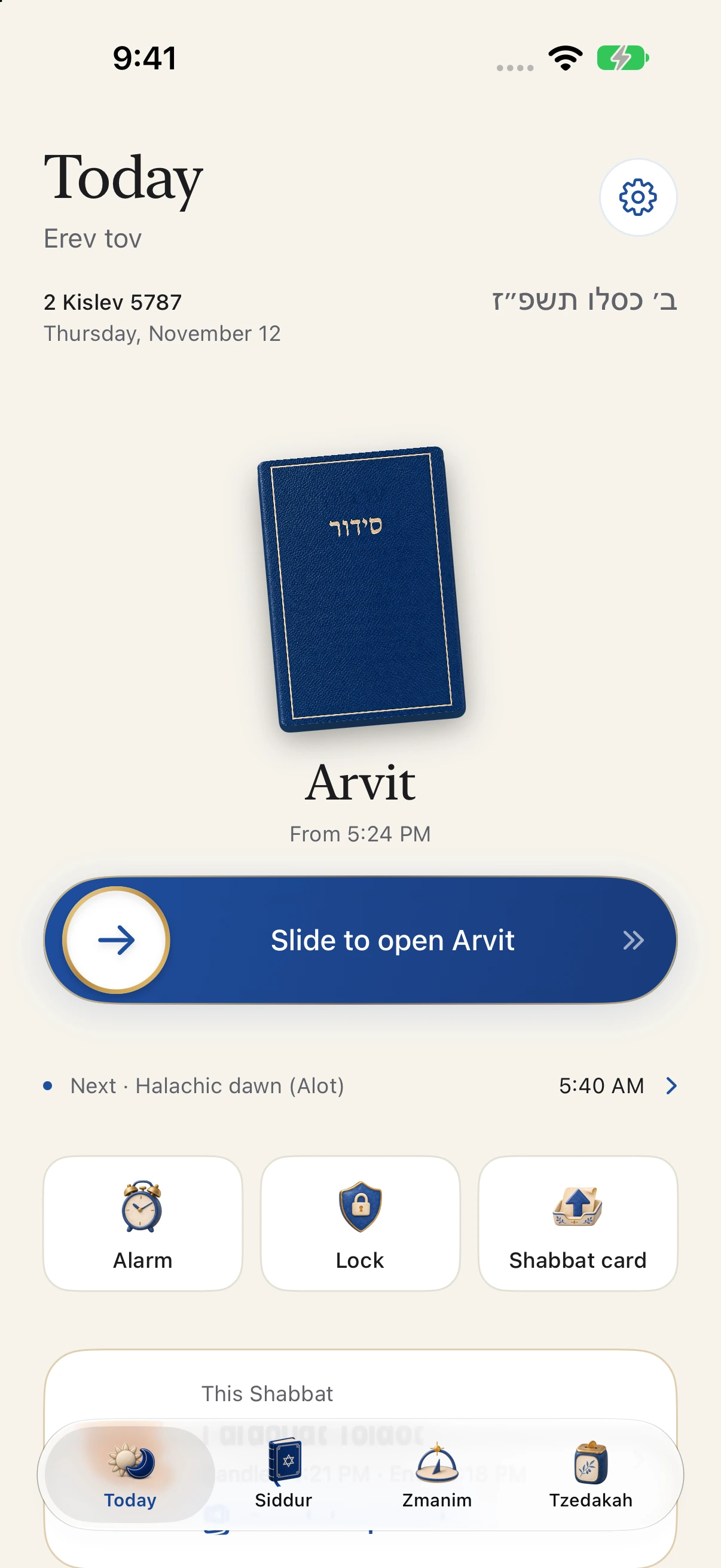
Today
Slide into the current prayer, see what comes next, and check this week’s Shabbat times.
 Kavanáכוונה
Hebrew prayer, English and Spanish reading options, daily zmanim, and Shabbat preparation.

For iPhone, iPad & Mac
Slide into the current prayer, see what comes next, and check this week’s Shabbat times.
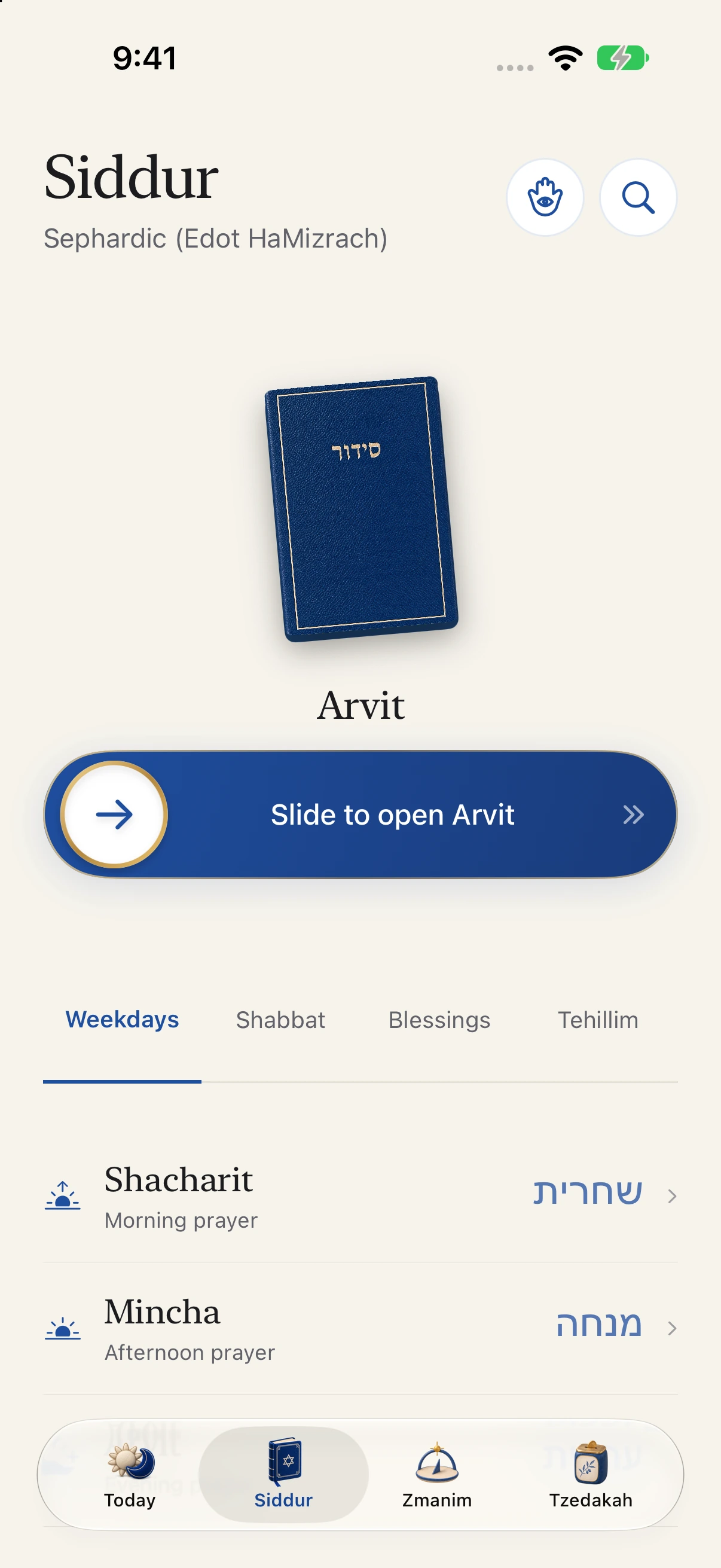
Choose a prayer, blessing, or Psalm, then select the reading layout and prayer tradition you follow.
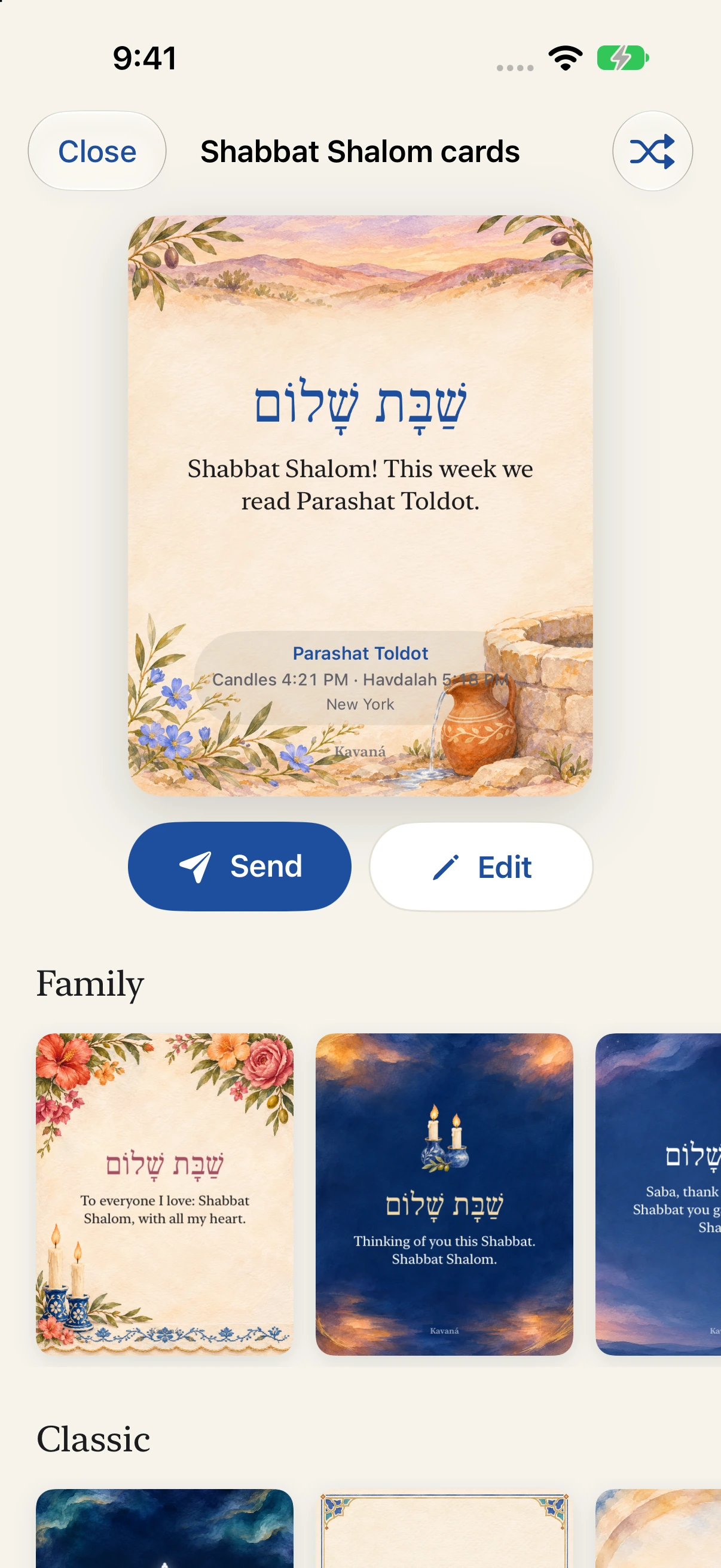
Choose an illustration, edit your greeting, and share the weekly parasha and local candle-lighting times.
Choose English or Spanish meanings beneath each Hebrew word, or use Hebrew with a paragraph-level English translation. Explore the interlinear siddur and reading options.
Open Shacharit, Mincha, Arvit, Shabbat prayers, blessings, or Tehillim. Choose Sephardic (Edot HaMizrach), Ashkenaz, or Nusach Sefard. Today shows the current prayer, so you can slide straight into it.
Read Hebrew on its own, add English or Spanish meanings beneath each word, or use a paragraph-level English translation. Phonetics supports pronunciation where available. Adjust the font and text size with the reader’s Aa button. See the reading options.
See prayer times for your chosen city, including sunrise, the latest Shema and Shacharit, Mincha, sunset, and nightfall. The next upcoming time is highlighted.
Check candle lighting, Havdalah, and the weekly parasha. Choose your community’s calculation settings and candle-lighting offset. Use location access or select a city manually. Try the prayer-time calculator.
Set advance reminders for Shacharit, Shema, or Mincha, and an Arvit reminder at nightfall. Prayer reminders follow the day’s local times and are not scheduled on Shabbat or Yom Tov.
Shabbat alarms are separate: set a fixed time or a time relative to an event such as sunrise. Their short alerts stop by themselves. Notification permissions and your iPhone’s sound settings still apply.
On iPhone and iPad, optionally choose apps to pause with Apple’s Screen Time controls. Block them for a prayer window, or keep them paused until you mark that prayer finished.
You can also choose to block until Havdalah. Screen Time permission is optional; you can use the siddur without enabling it.
Open the week’s English or Spanish Shabbat letter as a PDF. Each dated edition brings together the parasha’s story, a connected Torah idea, source references, and questions for conversation.
Read it in the app, save it, or print it for the Shabbat table. Older editions remain available in the library. A connection is needed to download a new edition. Read the weekly parasha.
Choose a charity and tap a coin amount to record a giving pledge. Your virtual Tzedakah box keeps track of the amount and your daily streak.
Recording a coin does not charge you. When you decide to donate, Kavaná opens the charity’s own website, where you complete the donation.
Choose an illustrated card, edit the greeting, and share it with family or friends. The weekly card can include the parasha, your city, candle lighting, and Havdalah.
Preview the card before opening your phone’s share options. There are designs for family, classic greetings, and the weekly parasha.
Add Kavaná widgets to your Home Screen or Lock Screen to check the next zmanim, Jewish date, weekly parasha, and Shabbat times without opening the app.
Use Kavaná’s Siri and Shortcuts actions to open the siddur or a supported prayer. Find the available actions in Settings → Siri & Shortcuts.
Kavaná: Your Jewish Day is a Jewish prayer app by Jonathan Teubal. It is free to download from the Apple App Store for iPhone, iPad, and Mac.
Word-by-word meanings are AI-generated reading aids and may contain errors. See reading modes and translation information, prayer-time calculation methods, and the privacy policy.